Live MIDI visualizer for Windows

Your playing,
as a light show.

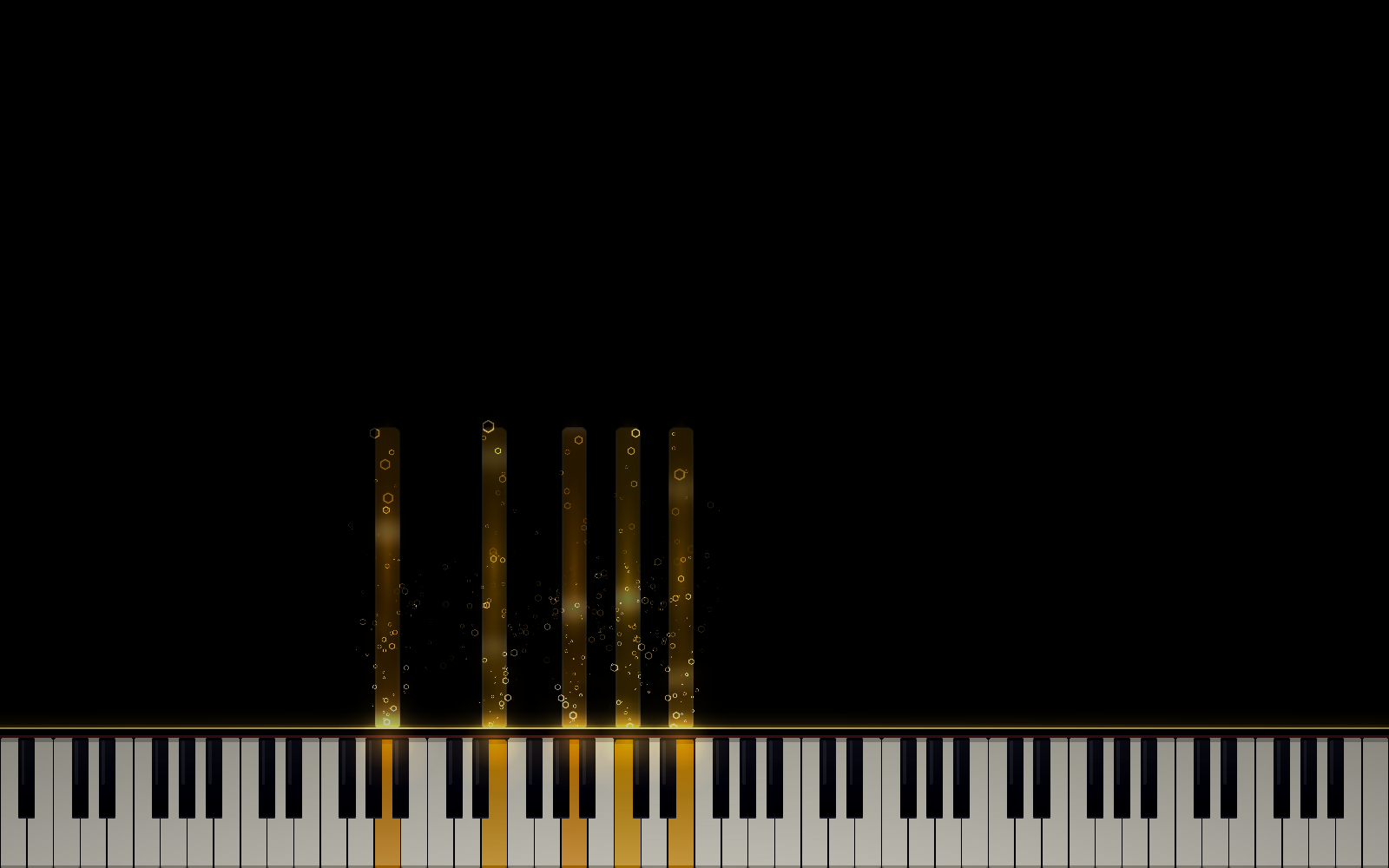
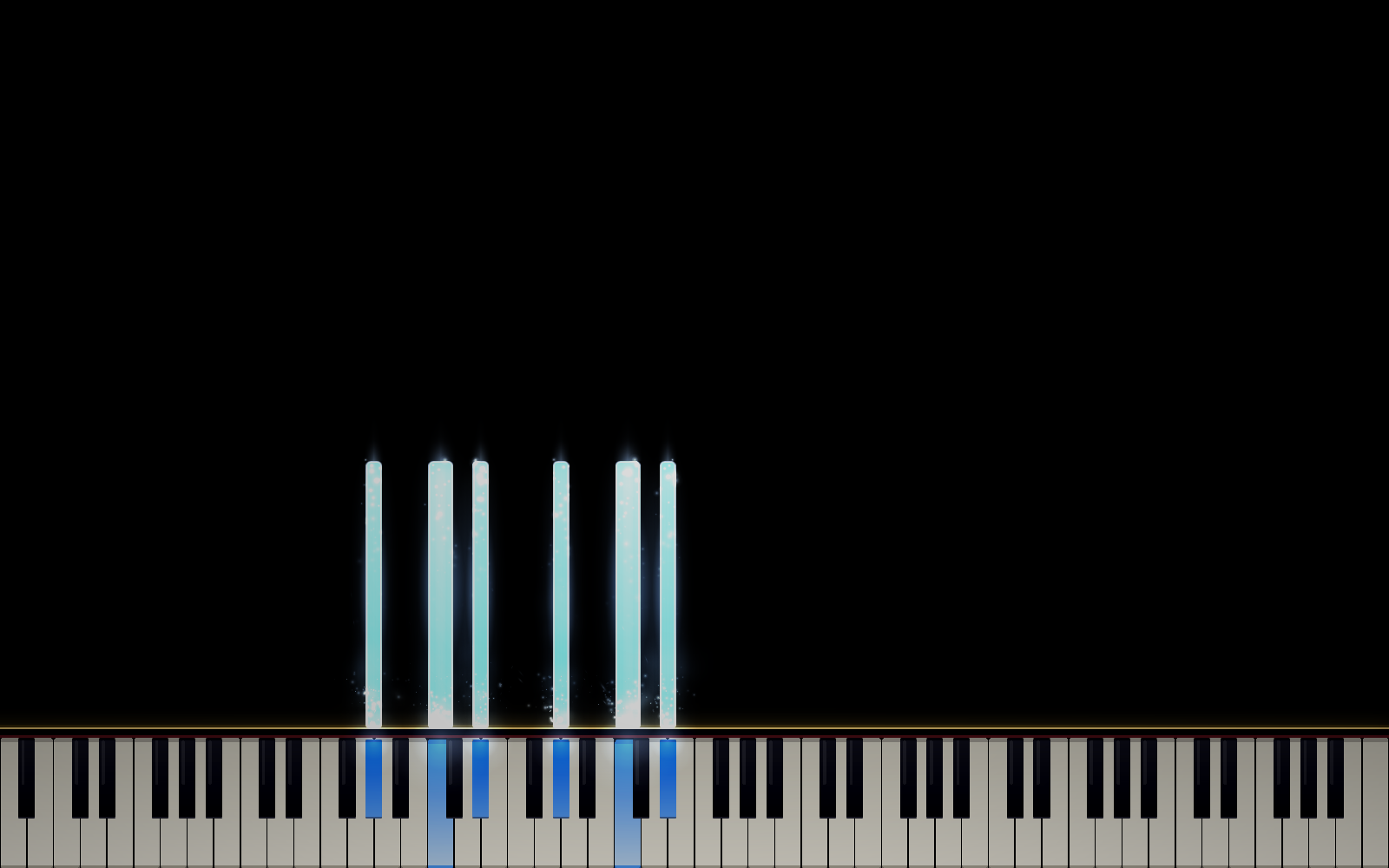
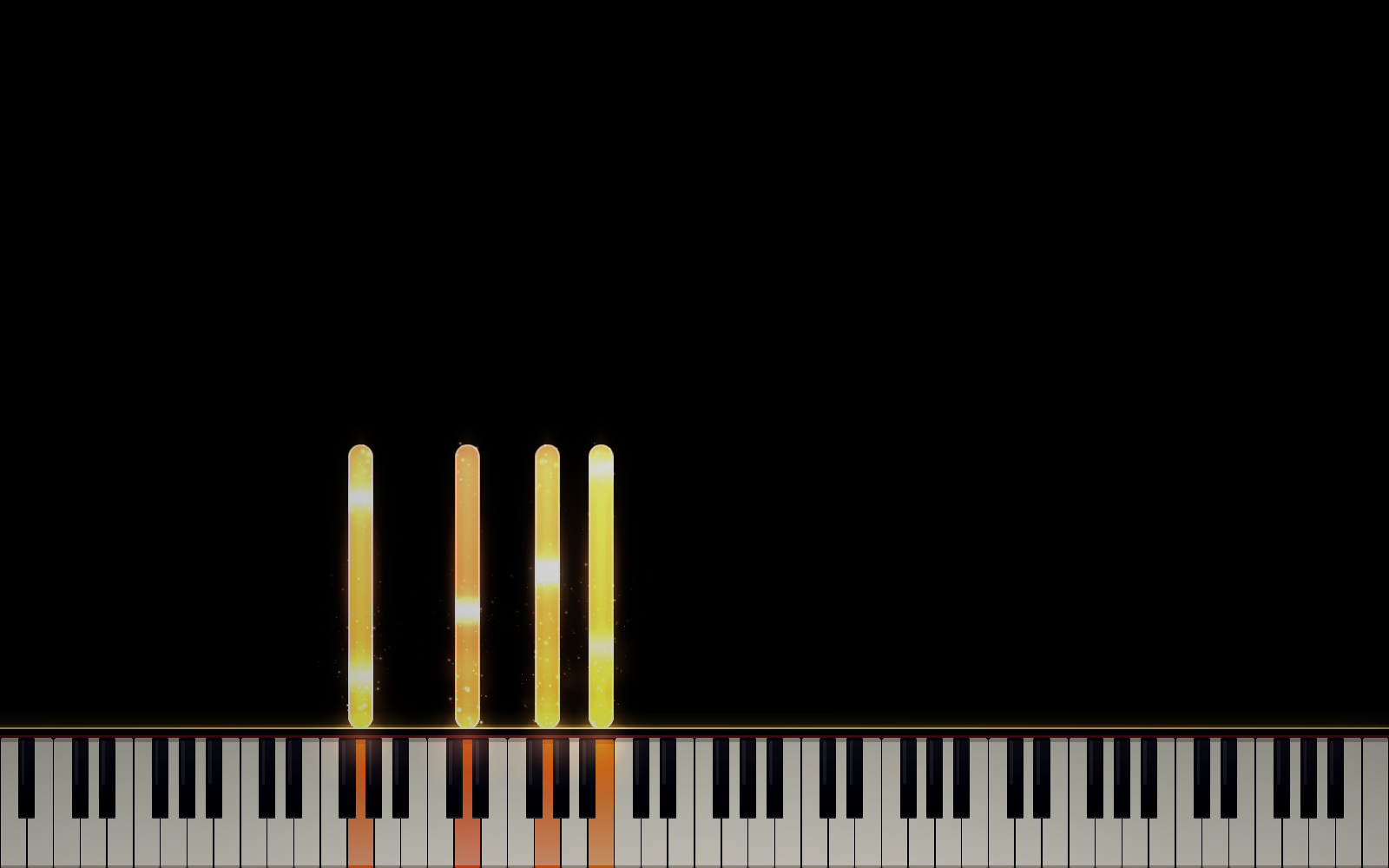
Plug in any MIDI keyboard and press START. Every note becomes a glowing bar rising off a realistic on-screen piano — sparks, drifting smoke, and camera-style bloom over everything. No project file, no timeline, no render queue. It just happens while you play.

Free to try in your browser right now. Full desktop app — $4.99, one time.

Play it right here.

Click a key, or connect a real MIDI keyboard and go.

Prefer full screen? Open the demo in its own tab.

Everything in the full app

Built for real playing, not just render passes.

Play

  • Real sampled grand piano (Salamander Grand), plus built-in synth voices — or upload your own sample
  • Any MIDI keyboard, hot-plug supported — or click the on-screen piano and play with your mouse, glissando included
  • Sustain pedal support, velocity-sensitive everything — hit harder, glow brighter
  • Reverb, echo, and a draggable 5-band parametric EQ built in
Customize

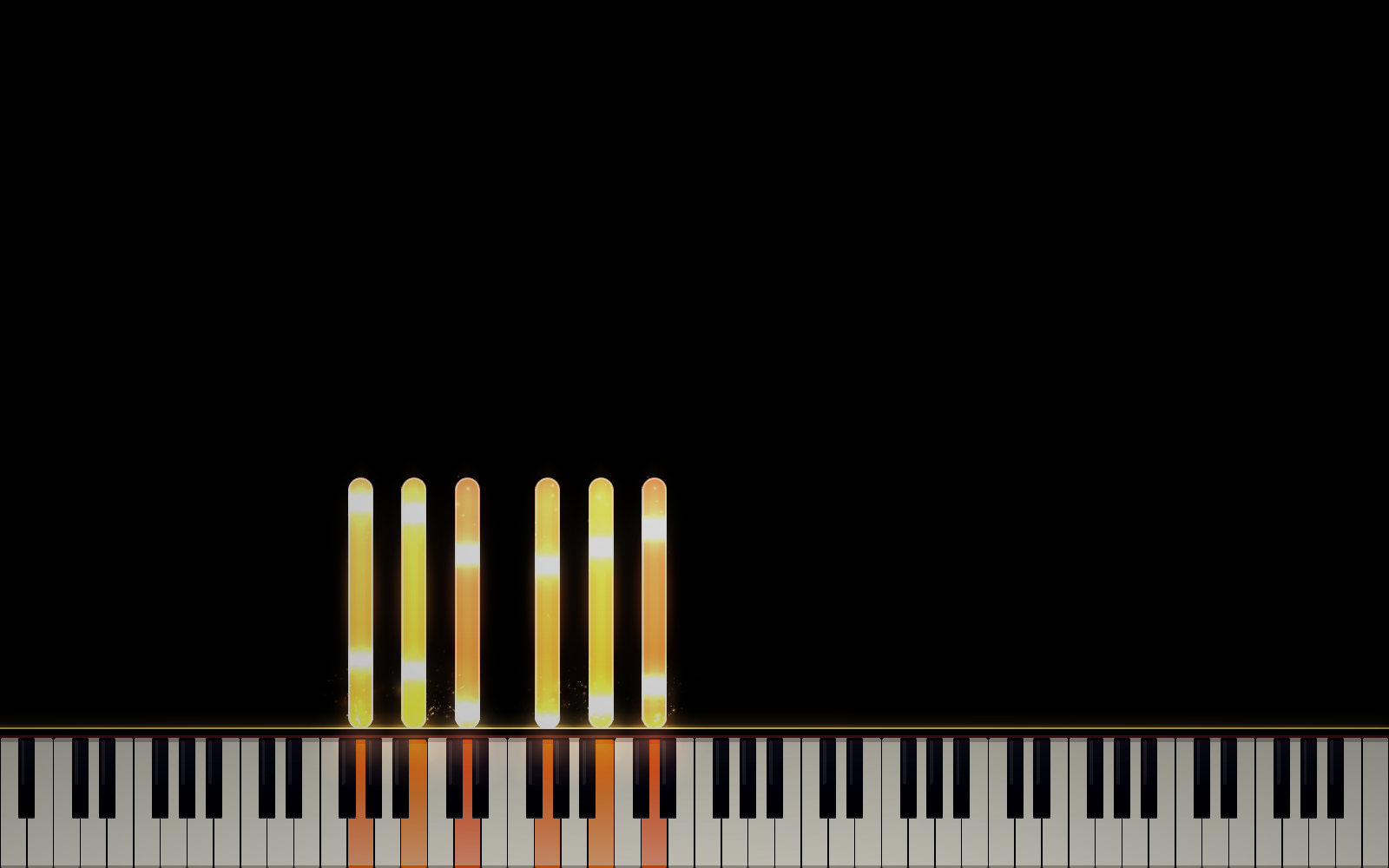
  • 4 curated looks — White, Copper, Halo, and a fully custom palette with independent block, particle, smoke, and rail colors
  • 9 particle styles, from soft drifting Wisps to swirling Vortex to erupting Fireworks
  • Glow, Smoke, and Note-speed sliders — from minimalist to storm
  • 7 backgrounds, real photography and video loops, or load your own image or video — including Chroma Green for streaming

Record & Share

  • One-key recording — replay any take as a full performance: sound, bars, particles, lit keys
  • Import any .mid file and watch MIDI King perform it; export takes as standard MIDI for your DAW
  • Hideable UI and chroma backgrounds, built for OBS overlays
  • Panic key instantly silences everything, mid-performance

Built to Last

  • Auto-updates itself — new looks and fixes land without you doing anything
  • One-time purchase. No subscription, no watermark, no account required
  • Actively developed — this isn't an abandoned itch.io tool
  • Piano samples and backgrounds properly licensed and credited

One-time purchase

$4.99

No subscription. No watermark. No account.

  • The full desktop app for Windows 10/11
  • Every look, particle style, and background
  • Recording, MIDI import/export, streaming tools
  • Free updates, forever

Purchasing isn't live yet — check back soon. The free browser demo is playable right now, no waiting required.

Questions

Do I need a MIDI keyboard?

No — the on-screen piano is fully playable with your mouse, glissando included. A real MIDI keyboard makes for a much better performance, but it's optional.

What do I need to run it?

Windows 10 or 11, 64-bit. A discrete or recent integrated GPU is recommended for the full bloom/particle effects at their best.

Windows says "unknown publisher" — is that safe?

Yes. The installer isn't code-signed (certificates cost real money for a solo indie tool), so Windows SmartScreen shows a first-run warning. This is completely standard for independent software at this price point.

Can I use this for streaming?

Yes — there's a Chroma Green background built specifically for OBS/streaming overlays, plus a one-key shortcut to hide the entire interface for a clean, fullscreen visual.

Is there a Mac or Linux version?

Not yet — MIDI King is Windows-only for now. The free browser demo works on any platform with a modern browser in the meantime.